Online Safety
The Whinless Down Academy Trust believes that online safety is an essential part of safeguarding and acknowledges its duty to ensure that all pupils and staff are protected from potential harm online. The Internet and associated devices, such as computers, tablets, mobile phones and games consoles, are now an important part of everyday life, so we believe that pupils should be empowered to build resilience and to develop strategies to manage and respond to risk online.
The school has a progressive, age-appropriate online safety curriculum which raises awareness and promotes safe and responsible Internet use amongst learners. We expect children to follow the online rules and respect the feelings and rights of others both on and offline. We teach them to seek help from a trusted adult if things go wrong, and support others that may be experiencing online safety issues.
We continue to build a partnership approach to online safety with parents and carers. We provide regular information and guidance on online safety in a variety of formats. We draw their attention to the online safety policy and expectations in newsletters, letters, online safety newsletters and on our website.
Understanding Online Risks: The 4Cs Framework
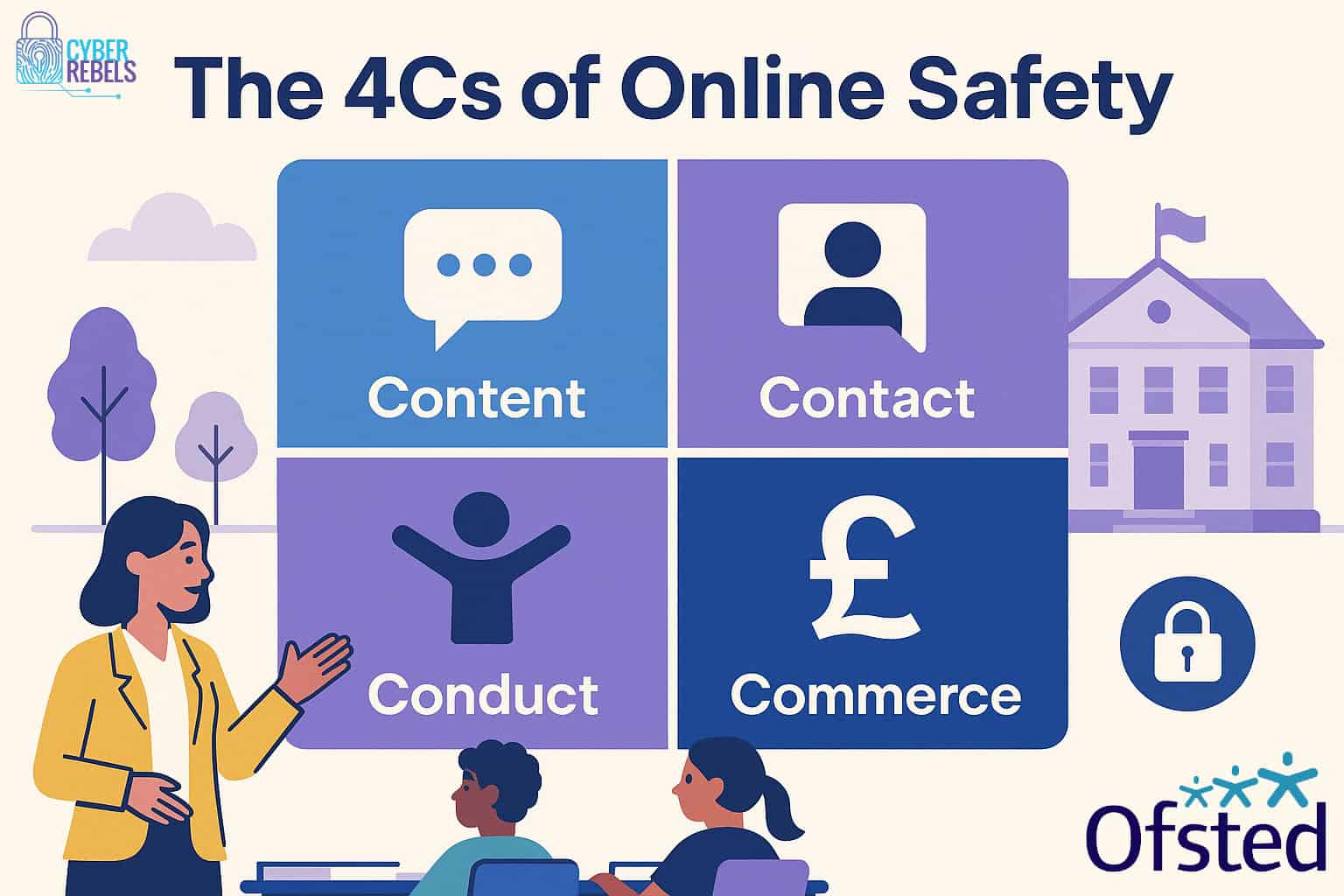
Children face 4 main types of online threats, known as the 4Cs:
Content – Exposure to harmful or inappropriate content (e.g. violence, extremist views or misinformation)
Contact – Interaction with risky individuals, including grooming or exploitation
Conduct – Online behaviour such as cyberbullying, oversharing personal information or engaging in harmful challenges.
Commerce - Financial risks such as scams, gambling or in-app purchasing.
This framework helps us to teach children how to recognise and manage these risks effectively.
How we teach online safety
Online safety is woven into our curriculum through:
- Our PSHE curriculum – promoting safe and responsible choices online
- Purple Mash Computing – developing digital literacy and understanding online behaviour
- Safer Internet Day - a whole school event focusing on online safety themes
Keeping Safe at home
At home, children can sometimes have unsupervised access to the internet. This can expose them to a wide range of content and interactions; both positive and negative. Parents play a vital role in supporting safe and responsible online behaviour.
Here are some tips for keeping your child safe online:
- Keep devices in shared spaces - place computers, tablets or gaming consoles in family areas rather than bedrooms. This encourages open use and makes it easier to supervise.
- Have open conversations - talk regularly with your child about what they do online. Ask questions like: 'what game did you enjoy?' or 'who did you play with?'. Avoid making the internet feel like a secret or something to hide; open dialogue with your child builds trust.
- Set clear boundaries - agree on rules for screen time, appropriate websites and apps. Involve your child in creating these rules so that they feel part of the decision making.
- Use parental controls - parental controls can help manage what children access online and how long they spend on devices. See our parental controls section for guidance.
- Check privacy settings - ensure privacy settings on apps and games are regularly reviewed so your child's information is not visible to strangers.
Screen time and healthy habits
While technology is an important part of learning, too much screen time can affect your children's sleep, concentration and wellbeing. At Vale View, we would encourage:
- Balanced use of devices - mixing online learning with offline activities.
- Regular breaks - following the 20-20-20 rule; every 20 minutes look at something 20 feet away for 20 seconds.
- Family agreements - setting clear boundaries for device use at home
- Digital detox week and unplugged day - opportunities for children to enjoy screen-free time and rediscover other hobbies.
Social Media and Gaming Platforms
Many children are aware of or use popular platforms, often before the recommended age. Below are some common examples and their official age restrictions:
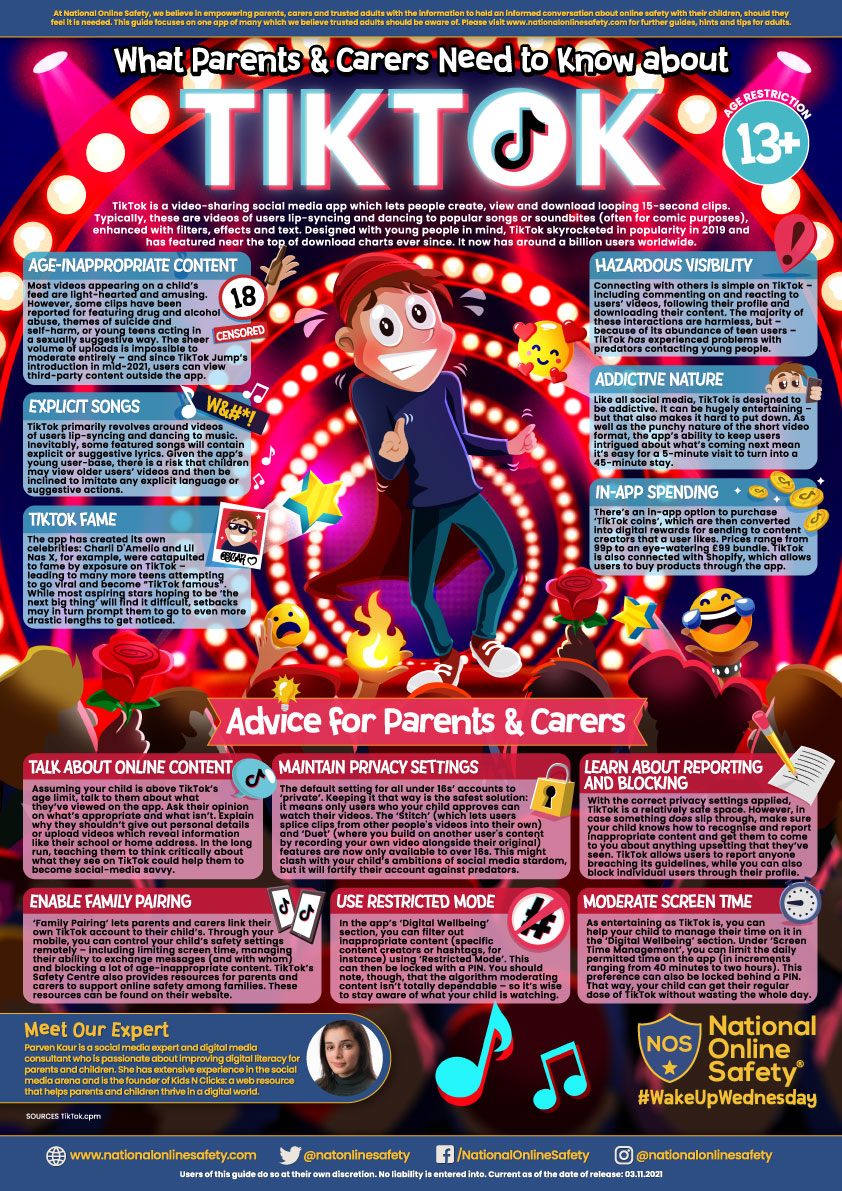
- TikTok - 13+
- Instagram - 13+
- Snapchat - 13+
- WhatsApp - 16+
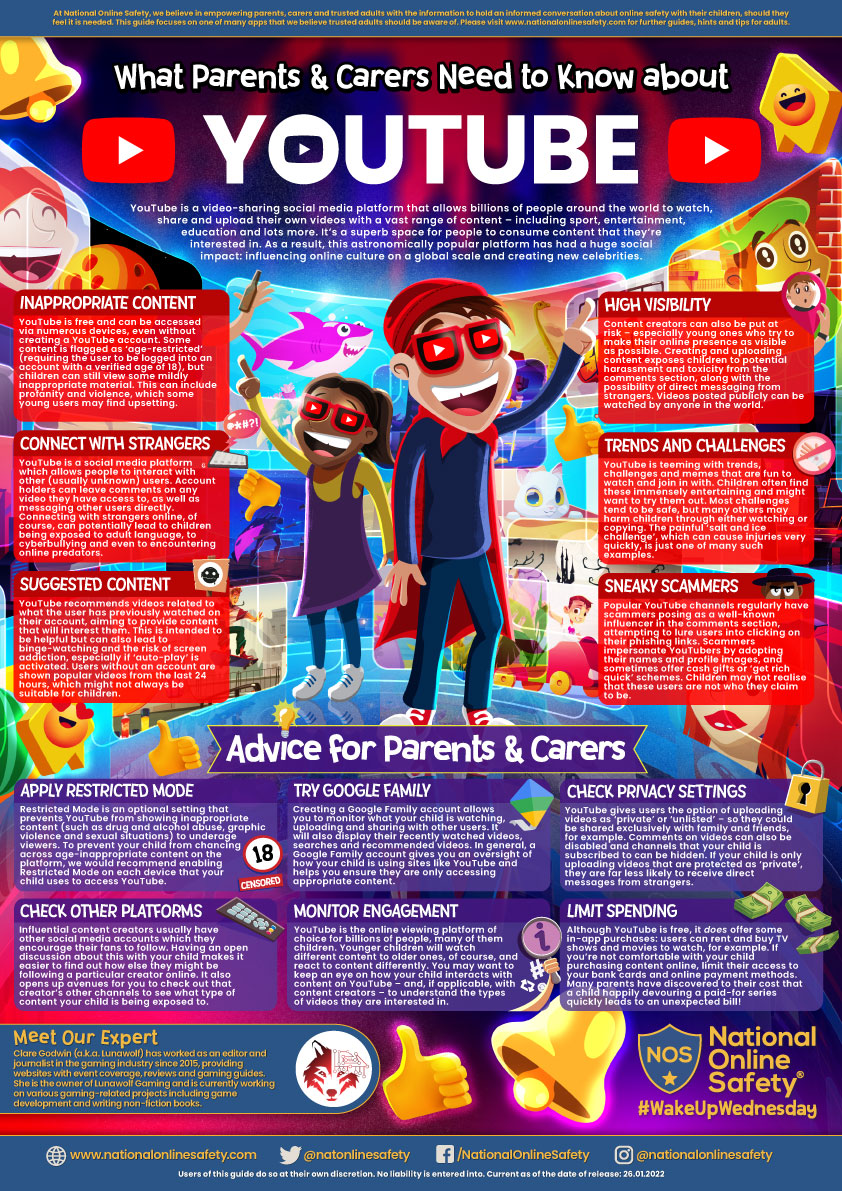
- YouTube - 13+ (YouTube Kids is available for younger children)
- Roblox - no official age limit, but parental guidance is recommended
- Fortnite - PEGI12 (contains violence and in-game purchases)
- Minecraft - PEGI7 (online play may expose children to chat features)
We know that some parents permit their children to use these platforms. Parents are strongly encouraged to monitor their child's digital device use and support positive online behaviour. Setting parental controls and having open conversations about online safety are key steps.
Parental Controls
Parental controls are an effective way to help manage what children can access online and how much time they spend on devices. They can:
- Block inappropriate content
- Limit screen time
- Restrict app downloads and in-app purchases
- Monitor online activity
Here are some helpful video guides for setting up parental controls:
- Parental controls for iPads and iPhones (parents and carers who also own an iPad / iPhone) iPhone Parental Controls for Kids Under and Over 13: Full Setup
- Parental controls for iPads and iPhones (parents and carers who do not own an iPad / iPhone) How to Set Up Parental Controls on iPhone or iPad
- Parental controls for Android devices using google family link How To Setup Google Family Link | Google Parental Controls
Support for Parents
We believe that online safety is a partnership between school and home. Parents can find more guidance:
- NSPCC Safety Advice
- 11-18s | CEOP Education
- 8-10s | CEOP Education
- 4-7s | CEOP Education
If you have any worries about your child's online safety or would like further advice, please contact the school office who can put you in touch with one of the DSLs (Designated Safeguarding Leads).
For more support with internet safety or to report an urgent concern, you can visit the CEOP (Child Exploitation and Online Protection) website by clicking the links below:
Useful Links
Click here to visit Think You Know Website - A brilliant site to support your role as a parent in keeping your child safe online.
Click here to visit CEOP's Website - The Child Exploitation and Online Protection Command is a command of the UK's National Crime Agency
Click here to visit the Safer Internet Day Website - The website of Safer Internet Day, which is held in February each year to promote online safety
Click here to visit the Online Safety in the Curriculum Website - Lots of useful links here from The Education People
Related Policies
Our Online Safety Policy, Social Media Policy & Mobile Phone Policy can be viewed by clicking here.
National Online Safety Guides
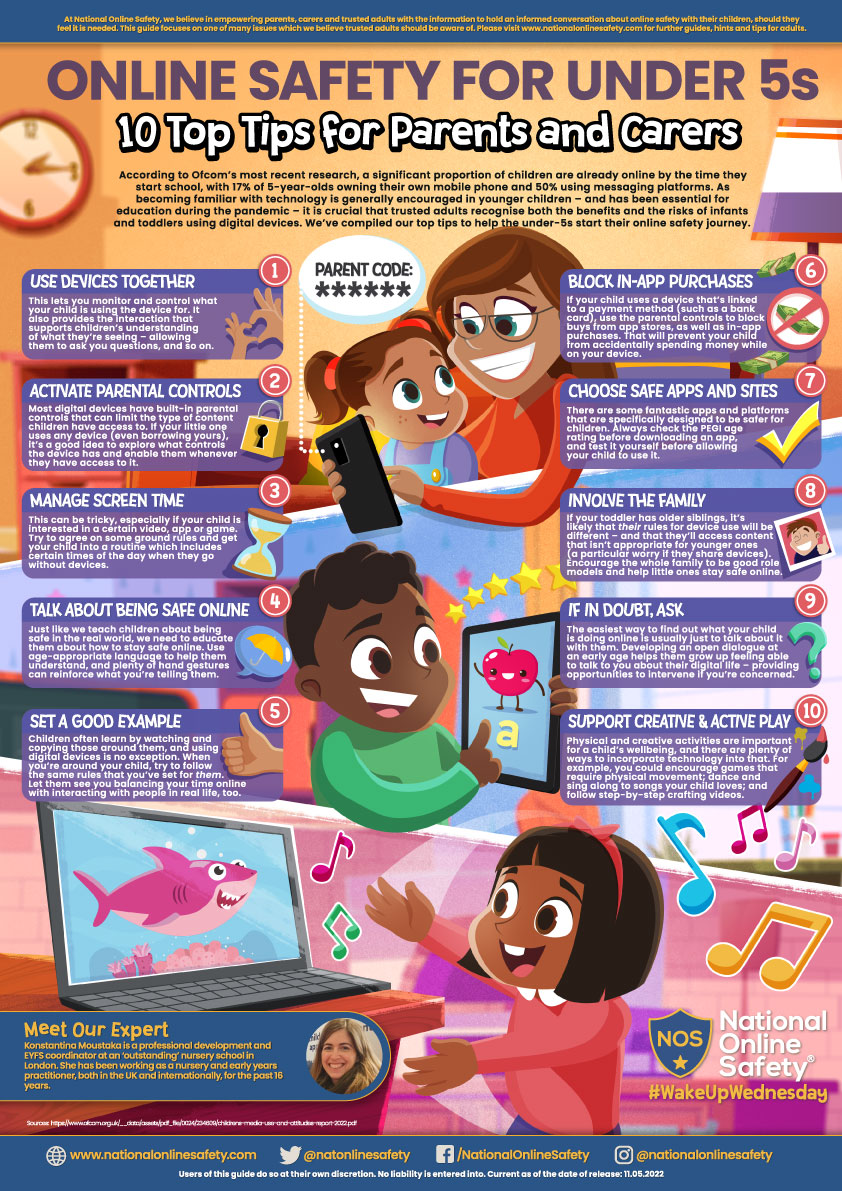
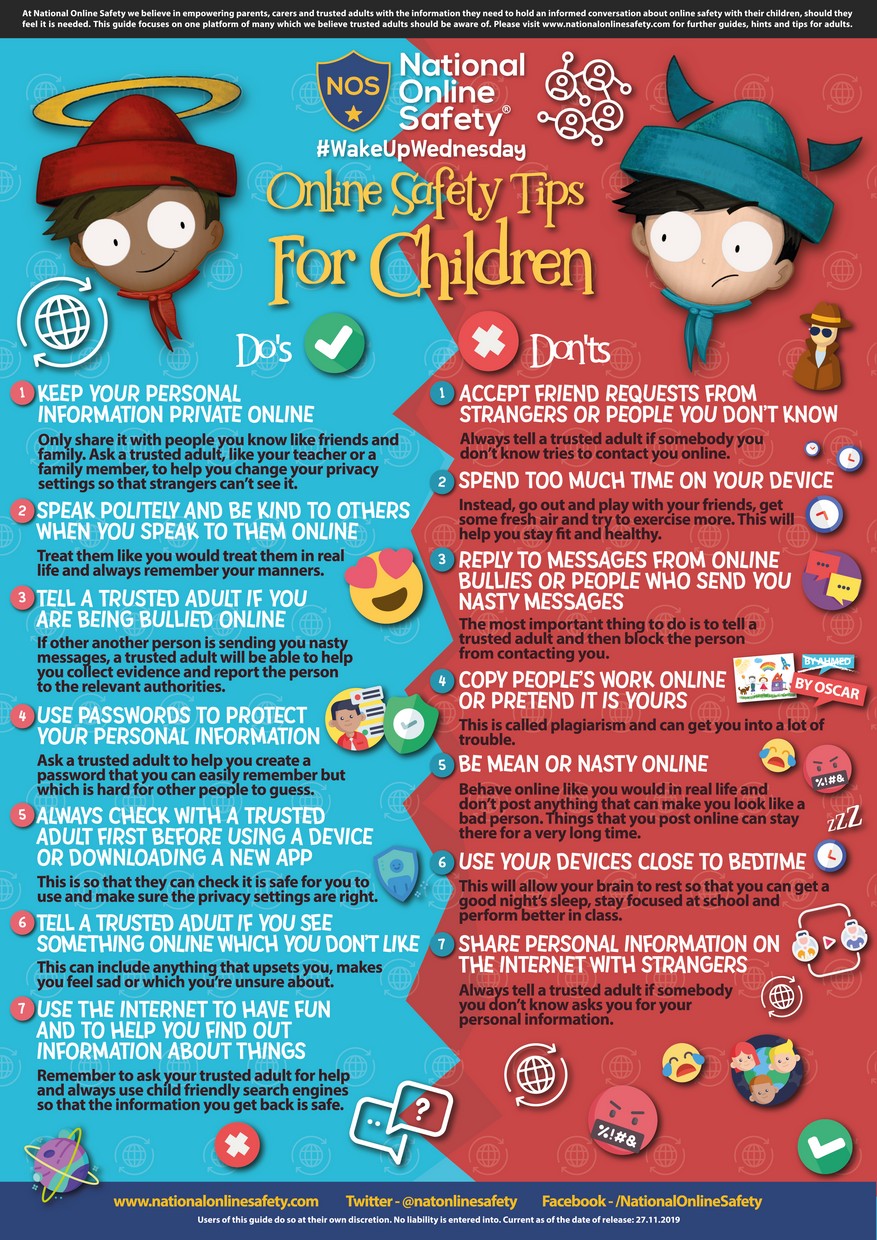
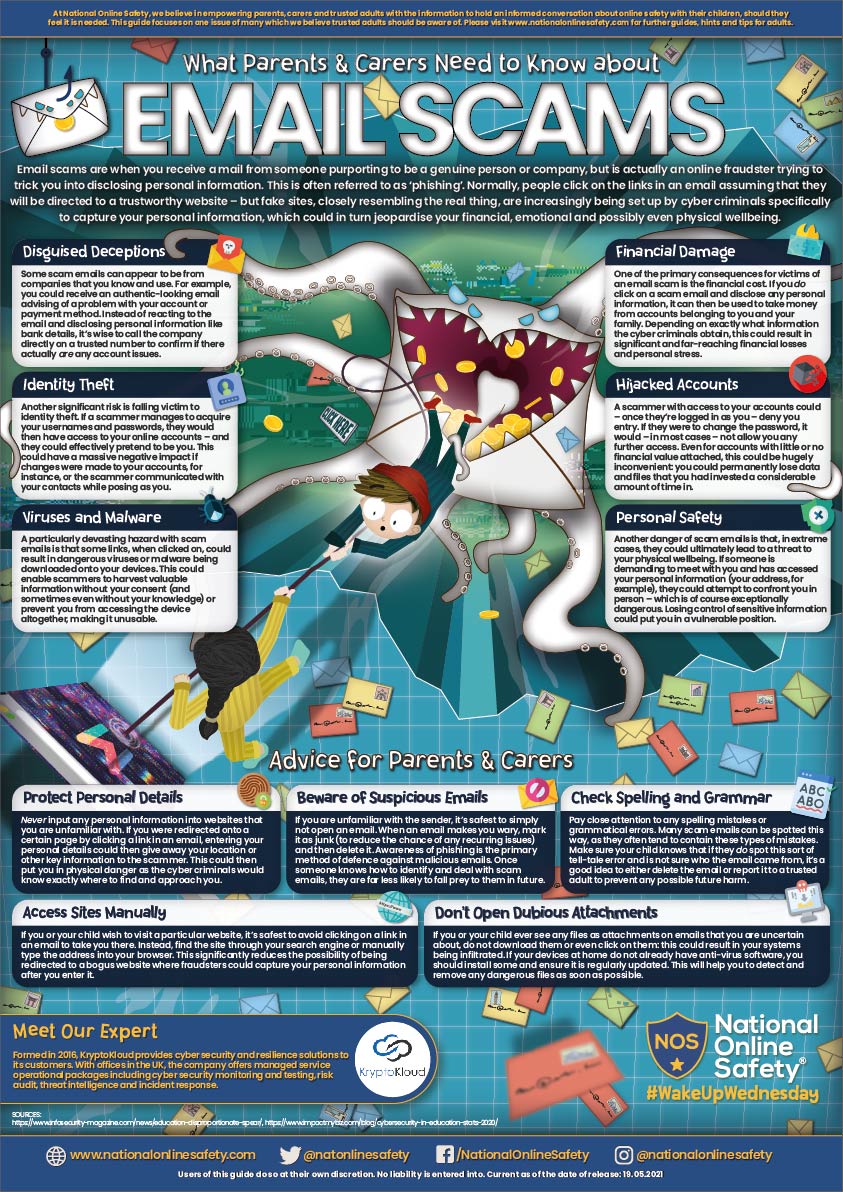
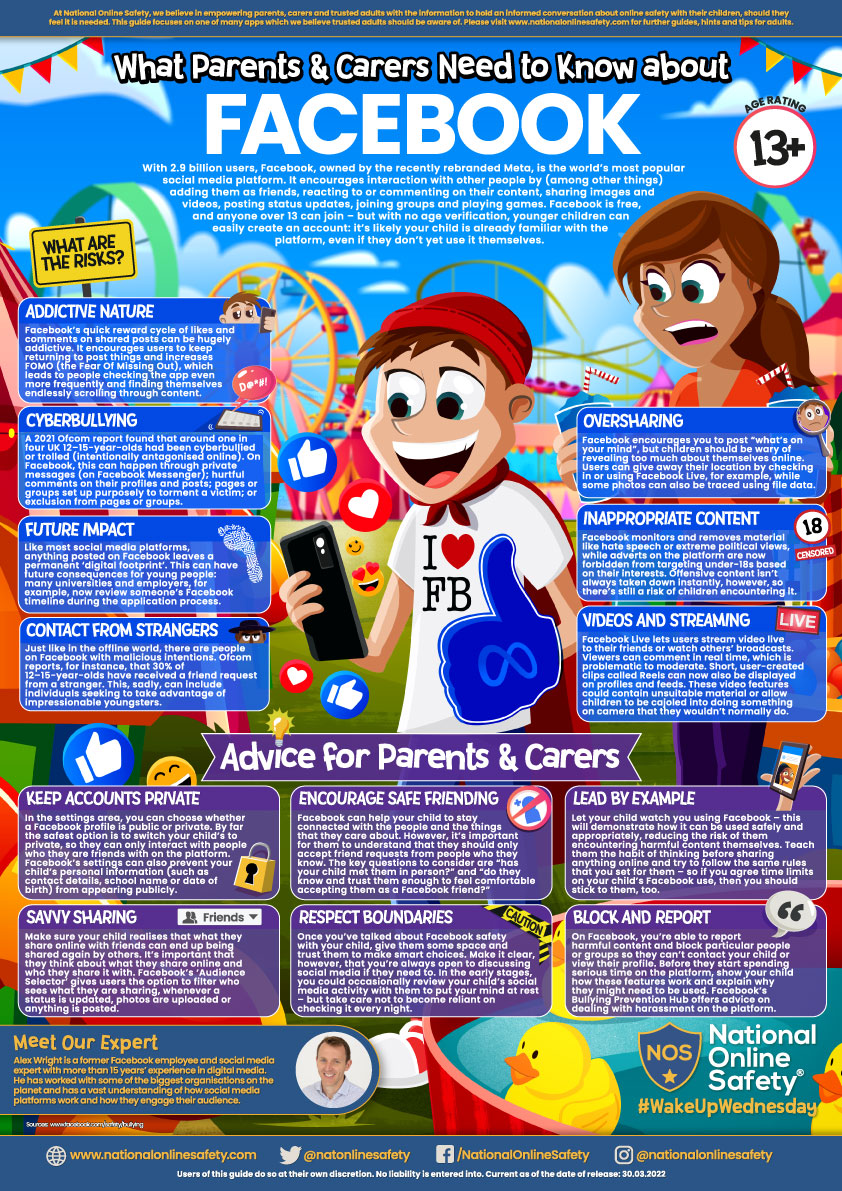
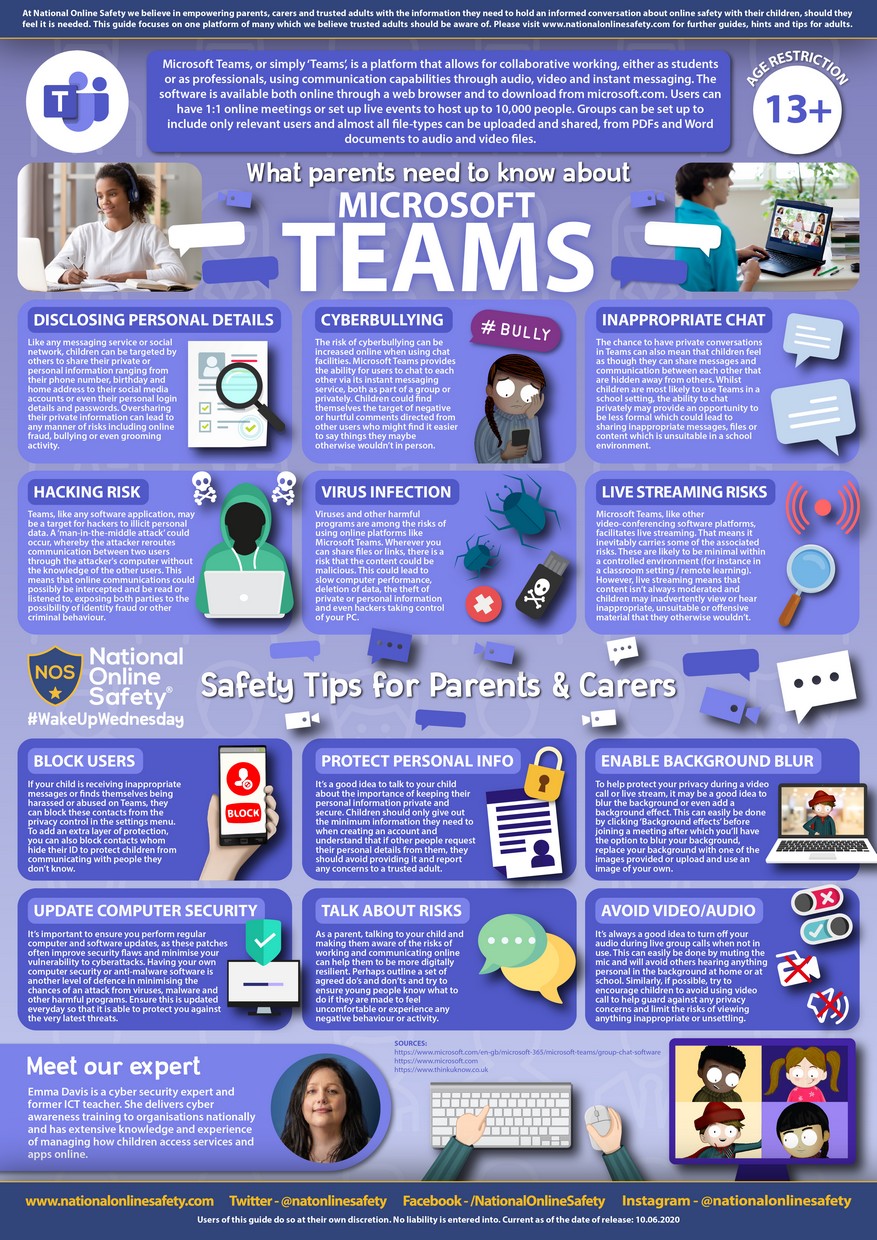
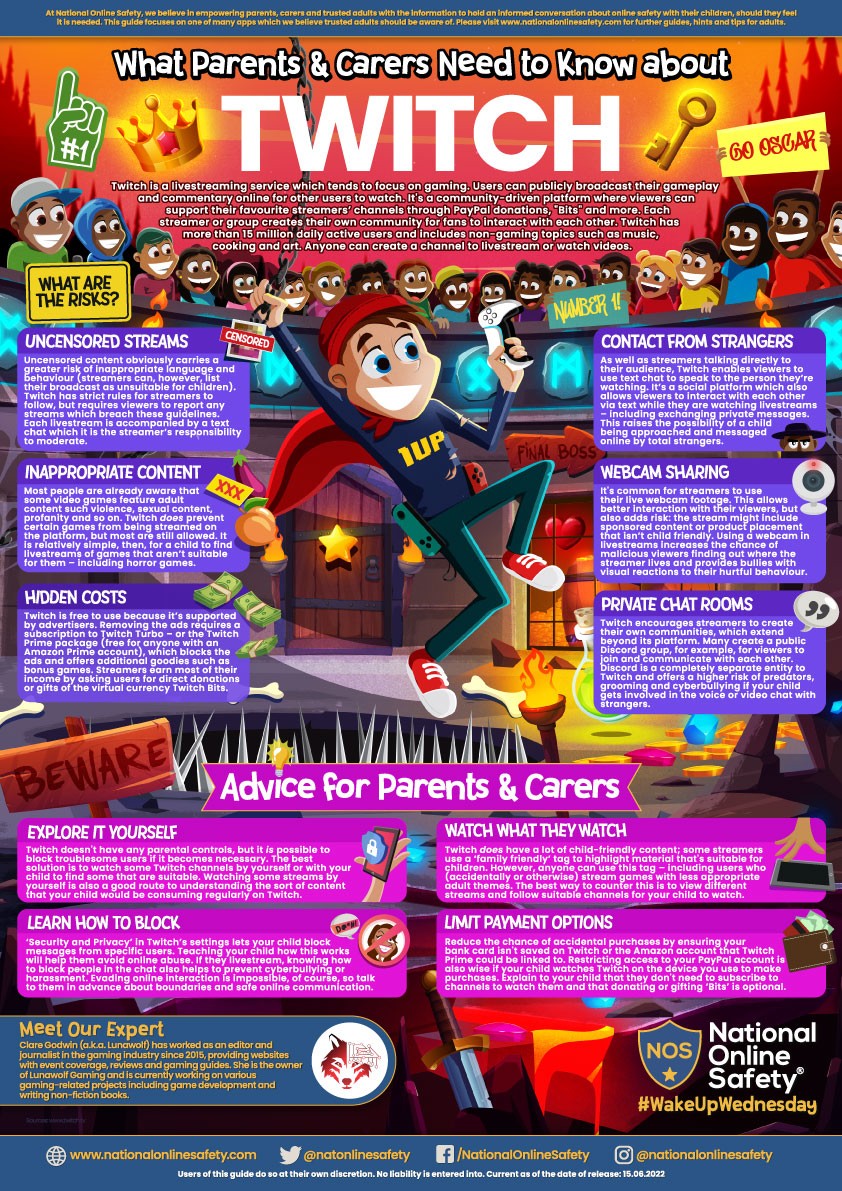
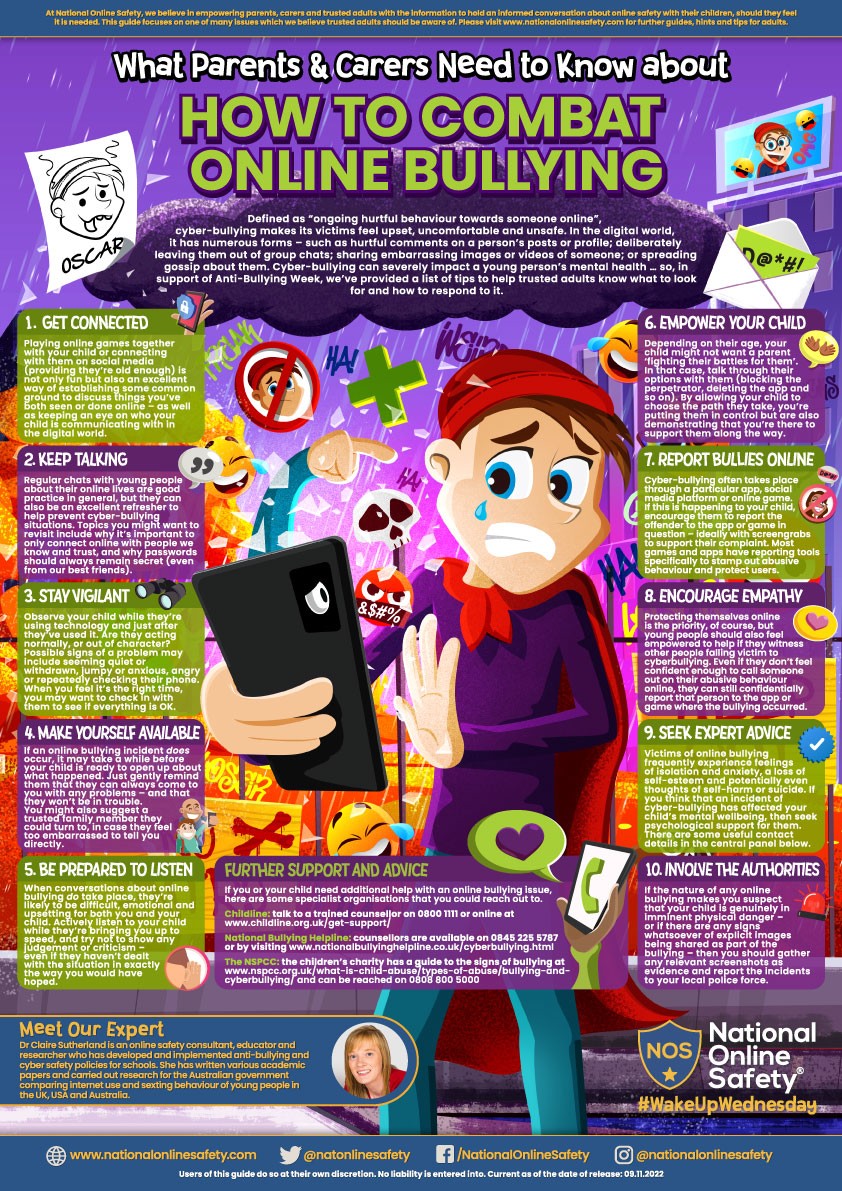
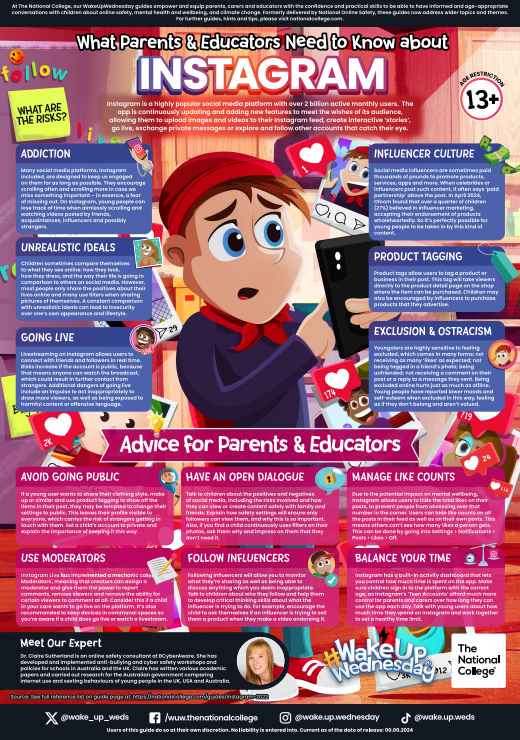
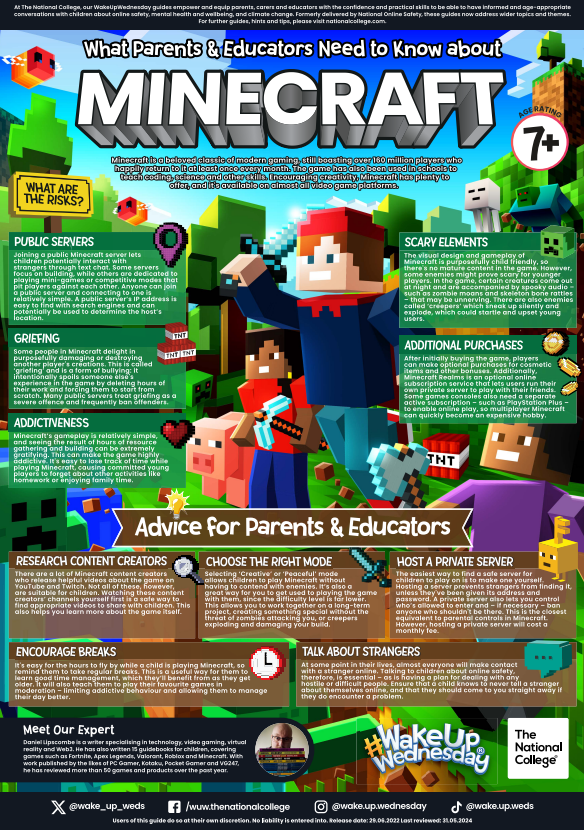
These parent guides from the National Online Safety Hub (click here to visit their website) are an excellent way of familiarising yourself with the dangers of various online platforms and provide some helpful tips.
Click on an image below to download a PDF Guide or use our attachments section at the bottom of this page.